Standalone or PC VR: the decision that matters most
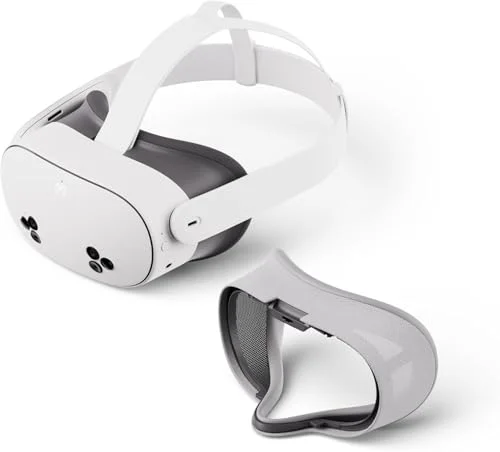
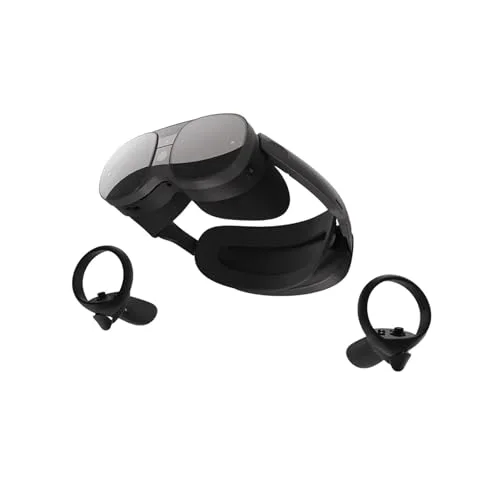
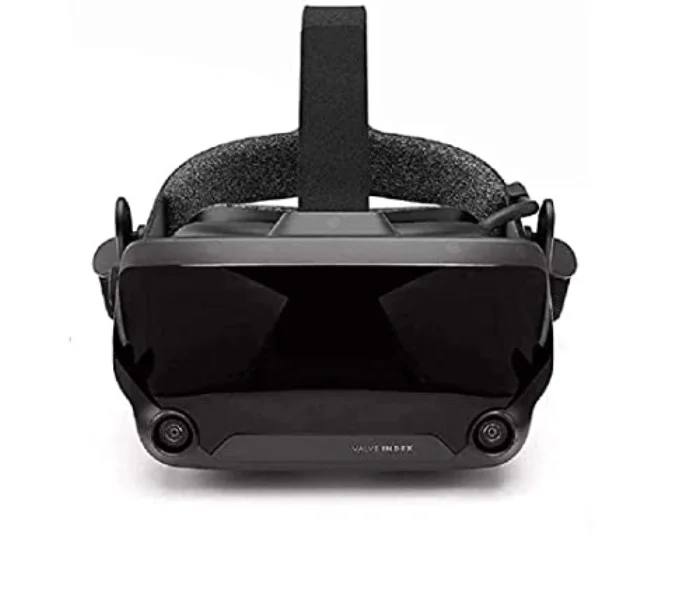
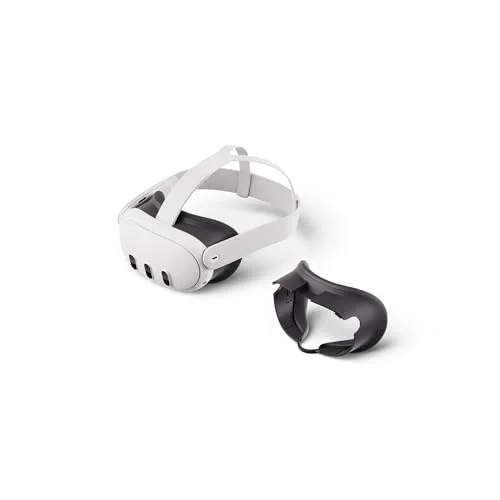
Before you compare any specs, answer one question: do you want a headset that works on its own, or one that plugs into a powerful gaming PC? This single choice decides almost everything else. A standalone headset, such as the Meta Quest 3 or the Quest 3S, has the computer built in, runs hundreds of games with no wires, and sets up in minutes. A PC VR headset, such as the Valve Index, offloads the work to your computer for the most demanding graphics, but ties you to a cable, a desk and a much higher total cost.
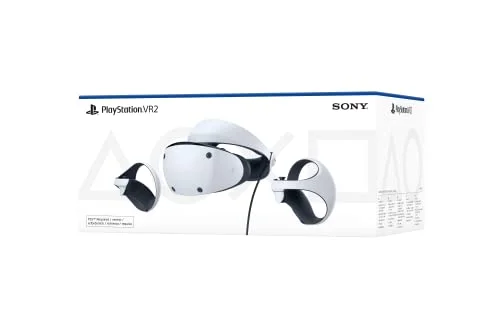
For the great majority of buyers, standalone is the right answer: it is cheaper, simpler and good enough that most people never feel they are missing out. PC VR is worth it only if you specifically want the highest-end visuals and already own, or are happy to buy, a strong gaming PC. There is also a console route: the PlayStation VR2 plugs into a PS5. We cover the full comparison in our guide to standalone versus PC VR.
Lenses and resolution: why lenses matter more
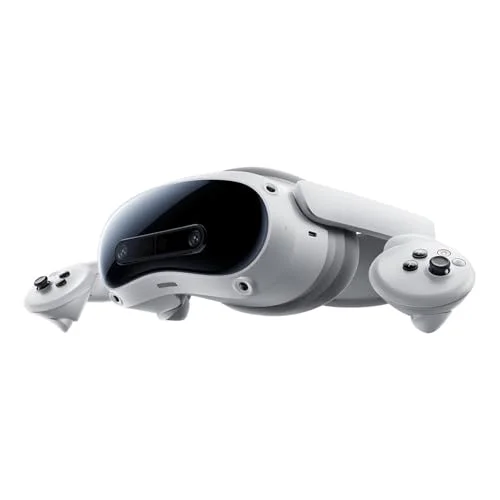
It is tempting to shop on resolution alone, but the lenses matter more for how good a headset actually looks. Modern pancake lenses, as used on the Quest 3 and the Pico 4 Ultra, give a much larger clear "sweet spot" than the older Fresnel lenses on cheaper headsets, so the image stays sharp across more of your view rather than blurring at the edges. When you are choosing between two headsets at a similar price, the one with pancake lenses will usually look better in practice.
Resolution still counts, of course. The headsets worth buying sit around 2000 pixels per eye or higher, which is sharp enough to read text comfortably and removes the obvious "screen door" effect of older hardware. But do not assume the highest number wins: a headset with slightly lower resolution and better lenses can look cleaner than one with more pixels and a smaller sweet spot. Judge the whole package, not a single figure.
Refresh rate: smoothness and comfort
Refresh rate is how many times per second the headset updates the image, and in VR it affects both how smooth motion looks and how comfortable you feel. The sensible floor is 90Hz, which most good headsets hit. Higher is better for fast games: enthusiast headsets such as the Valve Index reach 144Hz, which is noticeably smoother and reduces the chance of motion sickness on long sessions. If you are prone to queasiness, or you play fast-moving titles, a higher refresh rate is one of the most worthwhile things to prioritise.
Comfort and fit: easy to overlook, hard to ignore
Comfort decides whether you actually use the headset, yet it is the easiest thing to forget when you are comparing specs. Weight and balance matter most: a headset that puts its weight at the front digs into your face over time, while a rear-mounted battery, as on the Pico 4 Ultra, counterbalances the screens and stays comfortable for longer. The strap design counts too, and many keen Quest owners add an aftermarket strap with a rear cradle, which is a cheap, worthwhile upgrade. If you wear glasses, check for a dioptre dial or enough room for spectacles, since not every headset accommodates them well.
Tracking and controllers
Tracking is how the headset knows where you and your controllers are in space, and there are two approaches. Inside-out tracking uses cameras on the headset itself, needs no external hardware, and is what every standalone headset uses. It is excellent for the vast majority of games. Outside-in tracking, as on the Valve Index, uses external base stations mounted in your room for pinpoint accuracy across a large space, which serious players prize but most people do not need.
Controllers vary more than you might expect. The standard controllers on the Quest and Pico headsets are very good. The Index's finger-tracking Knuckles controllers go further, sensing individual fingers for a more natural grip, while the PlayStation VR2's Sense controllers add haptics. For most buyers the standard controllers are perfectly fine, but if hand presence matters to you, it is worth weighing.